Most "free tier" cloud offerings give you a toy — barely enough memory to boot, and a clock ticking toward a bill. Oracle Cloud's Always Free tier is the outlier: it hands you a genuinely usable Arm server with 2 CPUs, 12 GB of RAM, and 200 GB of storage, free indefinitely. That's enough to run a real application stack — a backend, a database, a reverse proxy — not just a "hello world."
I've deployed onto it twice now, and I want to share both paths I took: the manual click-through, and the fully automated Terraform approach. Pick whichever fits how you like to work.
First, a heads-up on the free limits
Before anything else: Oracle's own marketing pages and some console screens still advertise 4 CPUs / 24 GB for the free Arm allowance. The actual current limit is 2 CPUs / 12 GB total. If you provision at 4/24 on a free account, the instance gets disabled until you resize it down. So aim for 2 OCPUs / 12 GB and you'll stay comfortably inside the free tier.
That aside, the allowances are generous: 200 GB of block storage, 10 TB of outbound traffic a month, and it never expires.
Method 1: The manual way (click-through)
If you want to understand every piece of what you're building — and learn where the sharp edges are — do it by hand the first time. The broad shape is:
Create the account and pick a home region (this is permanent, so choose one close to you; a region with multiple availability domains gives you more chances when capacity is tight).
Create the network using the VCN wizard ("VCN with Internet Connectivity") — this wires up the public subnet, internet gateway, and routing correctly in one step.
Launch the instance: Ubuntu, the Arm (A1.Flex) shape at 2 OCPU / 12 GB, a 200 GB boot volume, and — critically — tick "assign a public IPv4 address."
Harden it after login: create a deploy user, lock down SSH to key-only, set up a firewall, fail2ban, swap, and automatic updates.
Open ports and add HTTPS with a free Let's Encrypt certificate.
Sounds straightforward, and mostly it is — but there are a few traps that will cost you an evening if you don't know them:
The "Out of capacity" wall. The free Arm shape is popular and frequently full. Multi-AD regions let you retry across availability domains; single-AD regions just need patience (off-peak hours help).
The hidden firewall. Oracle's Ubuntu images ship with an iptables rule that blocks everything except SSH — and it sits above the host firewall (ufw). So you can open ports 80 and 443 in ufw and in the cloud security list, and your website is still unreachable, with no error to tell you why. You have to fix the iptables layer too. This one is genuinely maddening the first time.
Architecture mismatches. The Arm server needs arm64 packages. If a setup script assumes the wrong architecture, things like Docker fail silently.
I've written up the entire manual process — every screen, every command, and every trap with its fix — as a step-by-step PDF guide. [See the PDF]. If you're doing this by hand, follow that top to bottom and you'll avoid the pitfalls I hit.
Method 2: The Terraform way (one command)
Once you've done it manually, you never want to do it manually again. The whole thing — network, firewall rules, the instance, and all the hardening — can be captured as code and deployed with a single command.
I rebuilt my setup as Terraform (for the infrastructure) + Ansible (for the hardening), and put it on GitHub so anyone can use it:
The idea is a clean division of labor, which is the standard way these things are done:
Terraform creates the infrastructure: the network, the cloud firewall rules, and the server itself. It's declarative and tracks state, so it knows exactly what exists.
Ansible handles all the configuration and hardening inside the server: the deploy user, SSH lockdown, firewall (including that hidden Oracle iptables fix), fail2ban, Docker, swap, and kernel hardening — all as idempotent steps you can safely re-run.
To use it, you clone the repo, fill in a handful of values (your Oracle credentials, your SSH public key, your region), and run:
bash
terraform init
terraform apply
About three minutes later you have a fully hardened server with a public IP, ready for your apps. It ships with two modes:
Auto — the server hardens itself on first boot. Hands-off; one command and you're done.
Custom — the box boots minimal and you run the hardening yourself, so you can tweak individual settings or run just the parts you want.
Everything the manual method teaches you — the iptables fix, the architecture handling, the capacity-retry approach, the security baseline — is baked in, so you get all the hard-won lessons without hitting the walls yourself.
Which should you pick?
Do it manually once. Genuinely. You'll understand what you're running, and when something breaks at 2 a.m. six months from now, you'll know where to look. The PDF walks you through it.
Then use the Terraform for every server after that. It's reproducible, it's fast, and it turns a fiddly hour of clicking into a single command you can trust.
Either way, you end up with something rare: a real, secure server that costs nothing and doesn't expire. For side projects, staging environments, personal tools, or just learning, it's hard to beat.
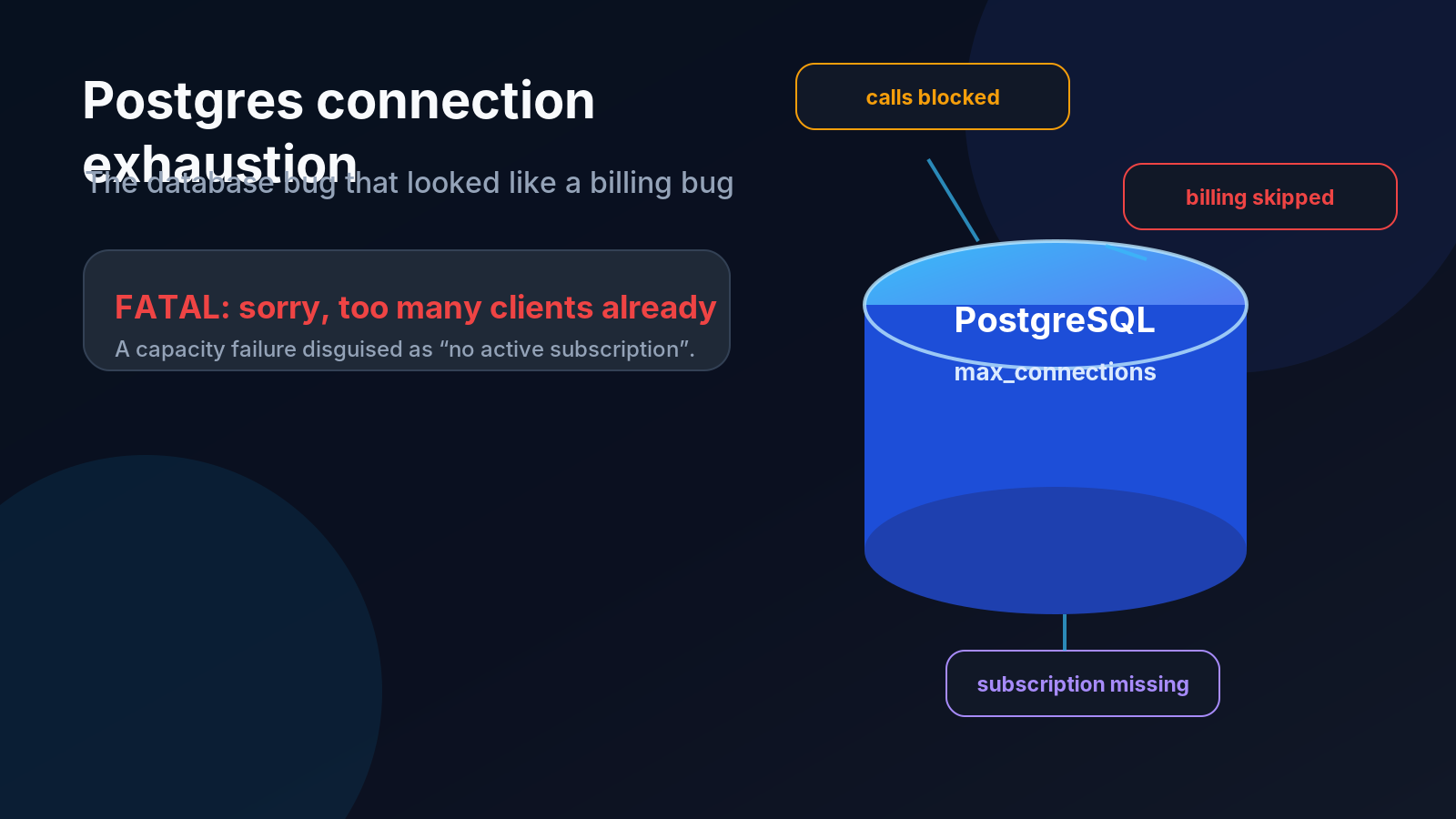
How a database capacity problem masqueraded as a subscription issue, why async Celery workers were quietly leaking connections, and the three-layer fix that stopped it from coming back.
A real-world consulting story about auditing an oversized production server, reducing infrastructure costs by nearly 20×, and safely migrating a live Django/PostgreSQL system while handling security, data, scheduling, and rebranding risks.