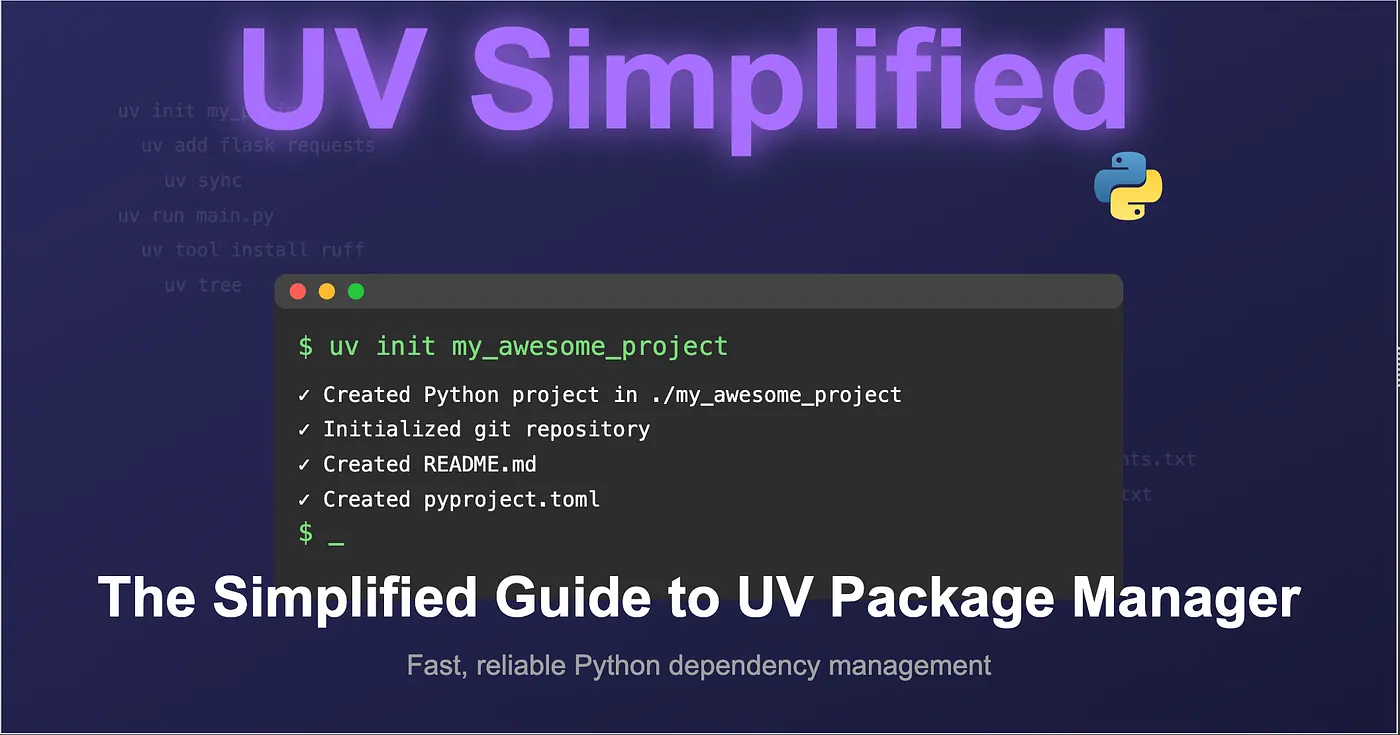
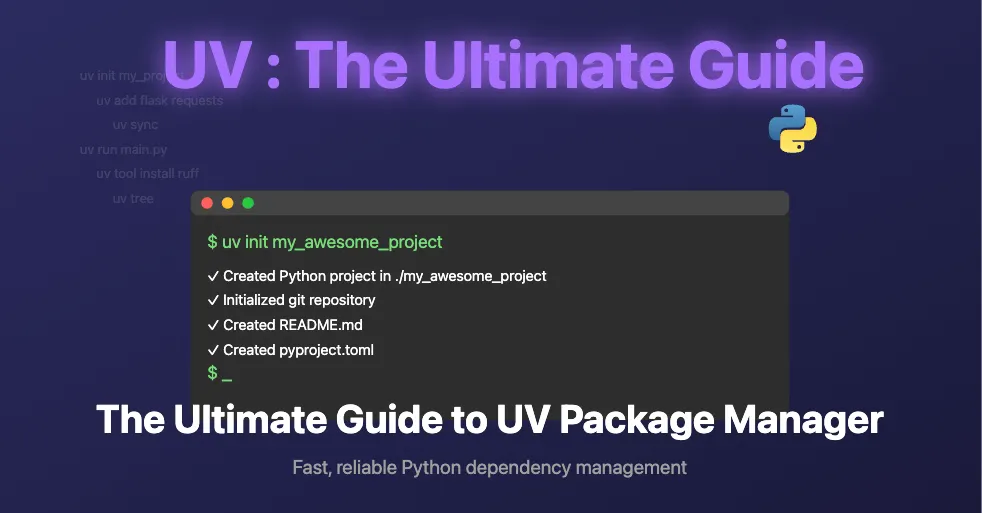
UV is a modern Python package manager and installer designed to be fast, reliable, and easy to use. This guide covers the key features and commands to help you use UV effectively in your Python projects.
# Create a new directory with project structure
uv init my_newapp
# Initialize an existing directory
cd my_existing_directory
uv init --app  # Create app without creating a new directory# Initialize as a distributable Python package
uv init my_newapp --lib
When you initialize a project with UV, it automatically creates:
.git directory and .gitignore with common Python exclusions
.python-version file containing Python version information
README.md file
main.py file
pyproject.toml configuration file
Package Management
Adding Packages
Add packages to your project:
# Add one or more packages
uv add flask requests
This will:
Update pyproject.toml with the new dependencies
Create/update uv.lock file to lock dependency versions
Viewing Dependencies
View the dependency tree of your project:
uv tree
Removing Packages
Remove packages from your project:
uv remove flask
This will update both pyproject.toml and uv.lock files.
Dependency Management
Syncing Dependencies
Recreate the exact virtual environment based on lock files:
uv sync
This ensures all project dependencies match the locked versions.
Running Python Scripts
Run Python scripts with the project’s dependencies:
uv run main.py
Checking Python Interpreter
Check which Python interpreter is being used:
import sys
print(sys.executable)
Working with pip
UV provides compatibility with pip commands:
# Install packages with pip syntax
uv pip install numpy
Note: Using uv pip install won't create/update pyproject.toml and uv.lock files.
Converting pip projects to UV
Convert existing pip-based projects to UV:
# Initialize the project structure
uv init
# Add requirements from requirements.txt
uv add -r requirements.txt
Tool Management
UV provides isolated tool installation and execution:
Installing Tools
# Install a tool in an isolated environment
uv tool install ruff
# Find the installation path
which ruff
Running Tools
# Run a tool
ruff check
# Run a tool without installing it (temporary environment)
uv tool run ruff check
Managing Tools
# List installed tools
uv tool list
# Upgrade all tools
uv tool upgrade --all# Uninstall a tool
uv tool uninstall ruff
UV Shortcuts
UV provides shortcuts for common operations:
# Shortcut for 'uv tool run'
uvx ruff check
This is equivalent to uv tool run ruff check and executes the tool in a temporary environment without permanent installation.
UV simplifies Python project management by providing a consistent, fast interface for managing dependencies, running scripts, and working with tools. Its integration with existing Python packaging standards makes it an excellent choice for both new and existing projects.
Behind every seamless AI interaction — a call answered in milliseconds, a payment confirmed, a calendar synced — lies a precise orchestration system processing 75 background jobs across 6 priority tiers. This is the engineering biography of how we designed and built it for yourang.ai.
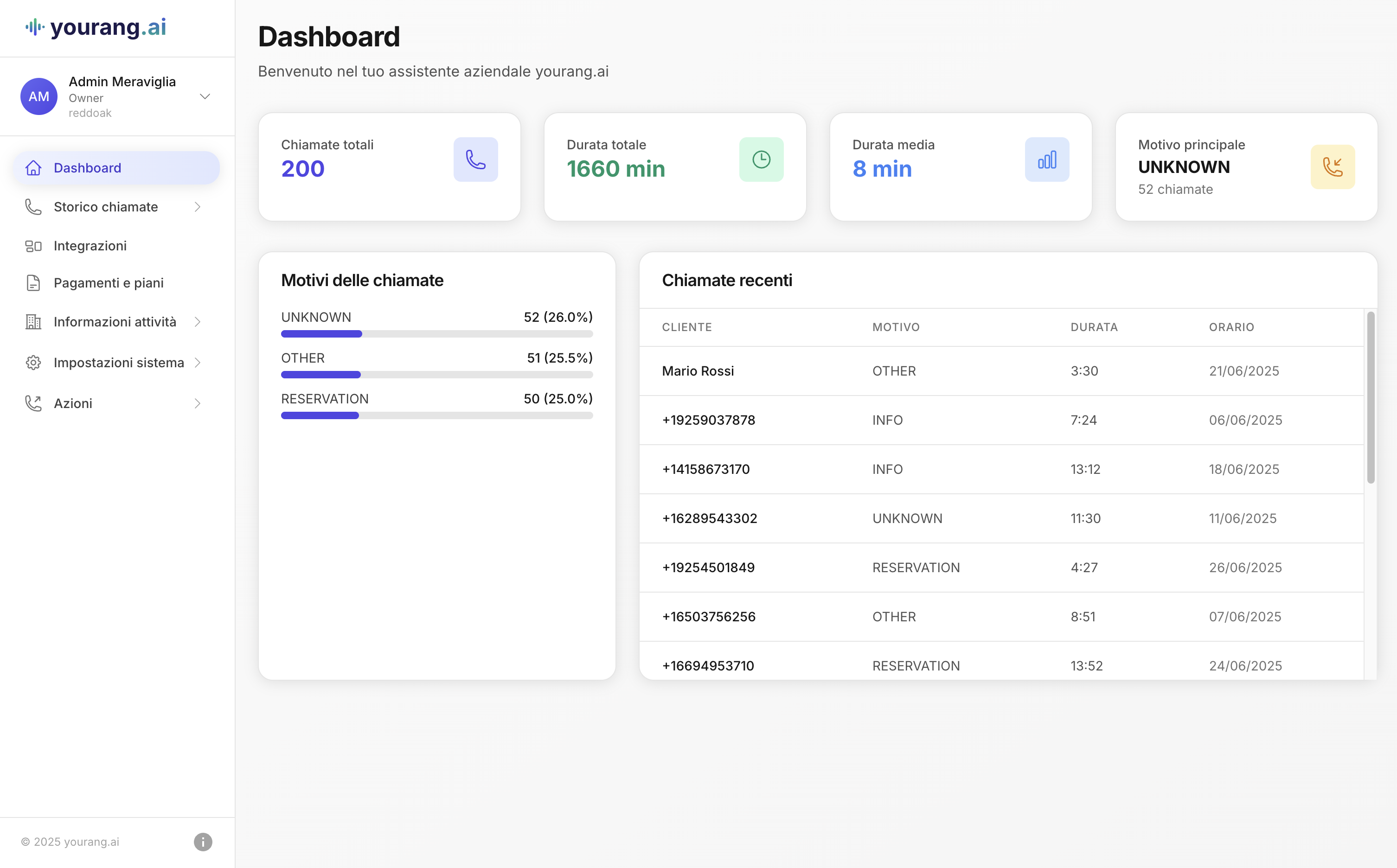
yourang is an AI telephone agent that answers every call 24/7 — booking appointments, taking orders, and resolving support across clinics, restaurants, shops, real estate, utilities and more. Here's what it does, and how it's engineered.